
One pick sets everything
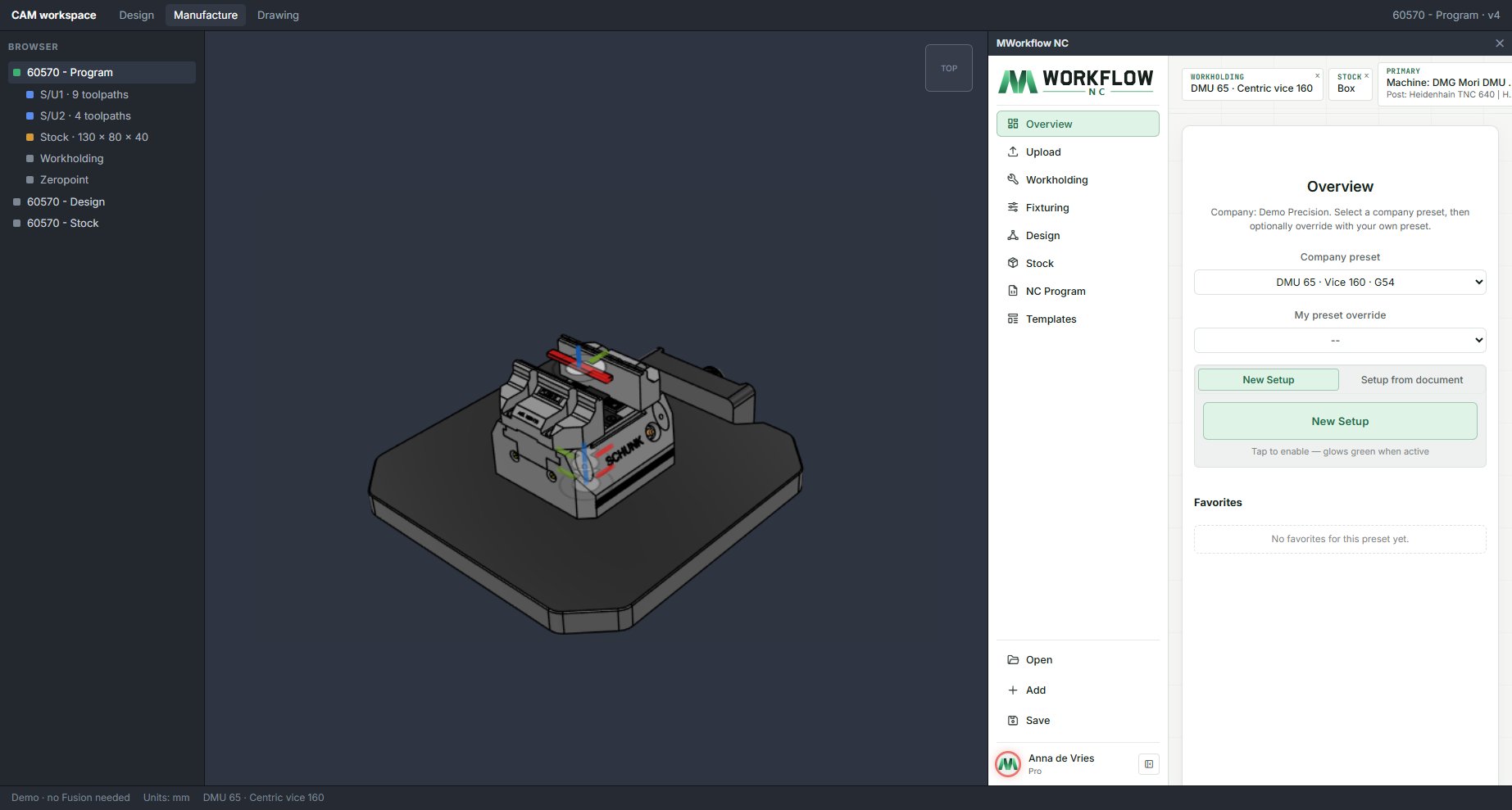
A preset holds the machine, posts, workholding and its configuration, stock, work offset, NC names and setup notes. Pick it and the whole setup follows.

MWorkflow NC · Fusion 360 add-in
MWorkflow NC runs inside Fusion 360. Choose a company preset and it places the approved workholding on its zero point, sizes the stock, sets machine and posts, and names and archives the NC program. Your programmer starts at the toolpaths.
Why programmers like it
Every CAM job starts with the same chores: fixture, zero point, stock, machine, post, names, folders. MWorkflow NC turns them into one pick from your company's approved options, right inside Fusion 360.
A preset holds the machine, posts, workholding and its configuration, stock, work offset, NC names and setup notes. Pick it and the whole setup follows.
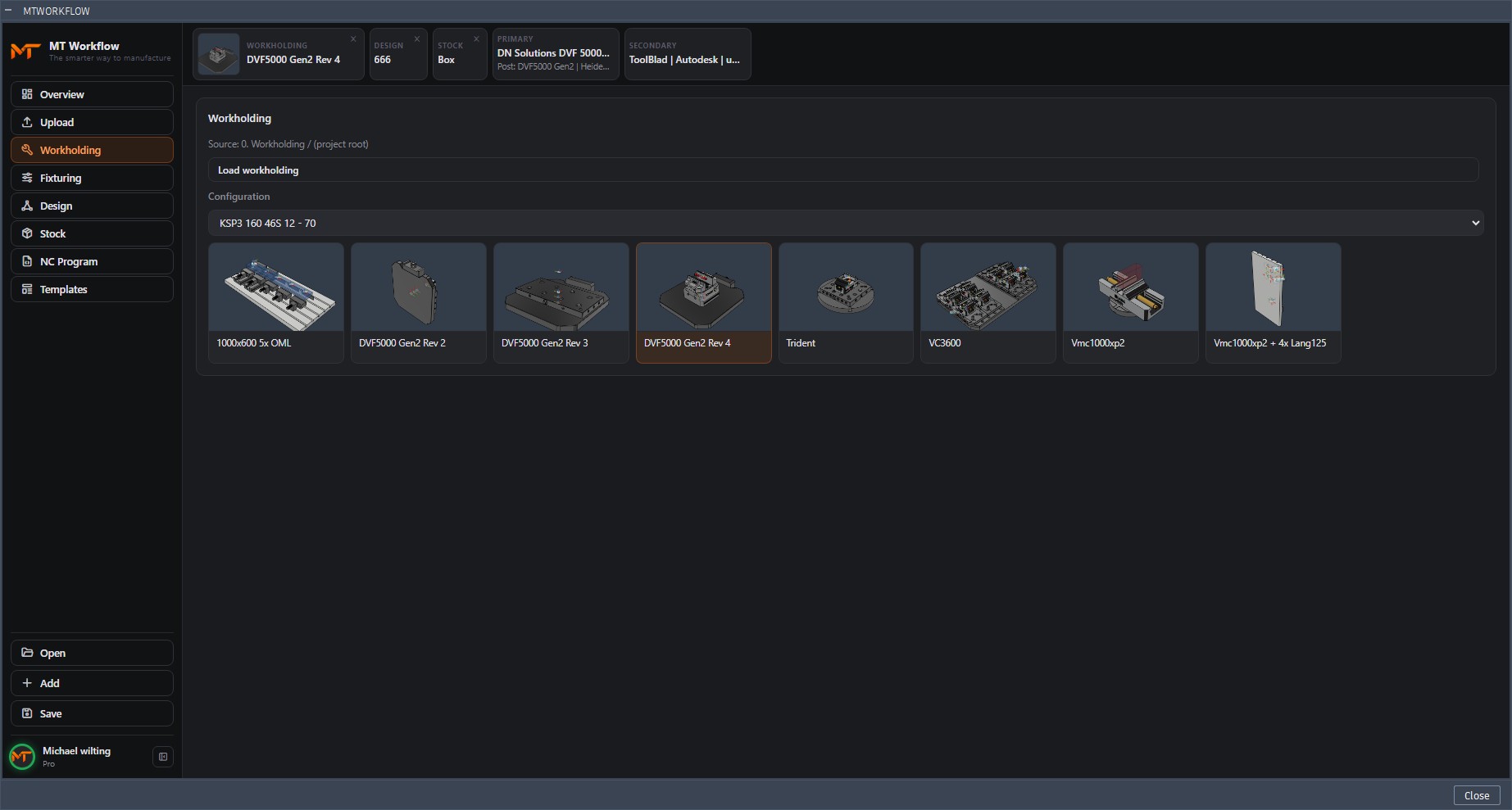
Approved vices and fixtures with thumbnails and jaw configurations. Inserted on its joint origin, so the zero point and WCS are right the first time.
More on the workholding libraryBox, cylinder or with clamping allowance: templates with a 3D preview, sized to the model and aligned to it. No freehand guessing.
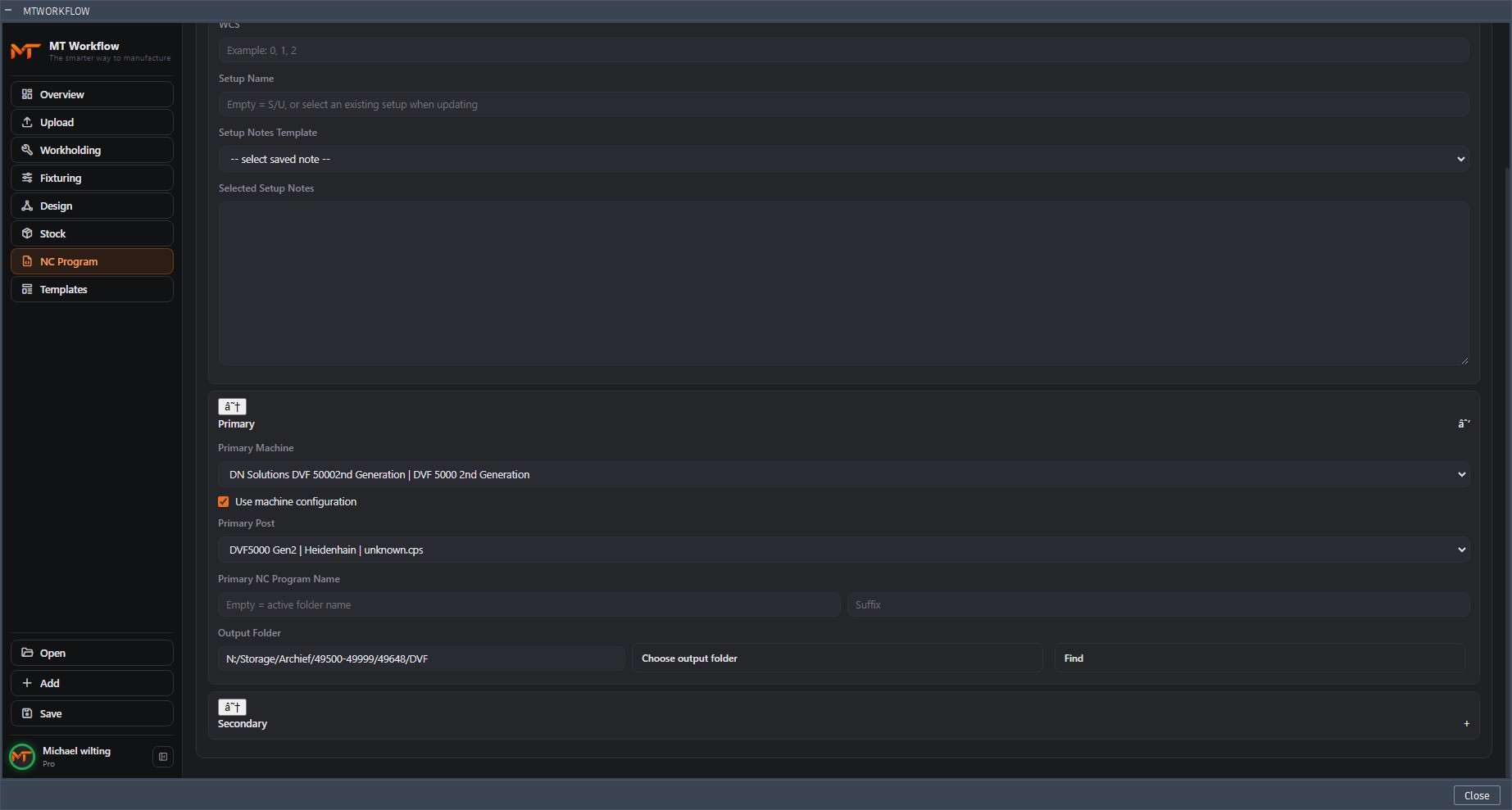
More on stock managementThe NC program and a second post (like a tool sheet) with the right names, straight into the right archive folder. No renaming after posting.
More on NC program managementCAM templates and automation templates from your cloud library, applied to the new setup. The proven strategy is there before you start.
Admins publish presets and libraries once. Everyone picks from approved options only, with role-based access. No improvised setups.
With MWorkflow Manager the Smart Agent drives MWorkflow NC: it prepares jobs in Fusion 360 during breaks and at night, and reports setups, toolpaths and tools back.
More on MWorkflow ManagerThe auto-updater brings a new version to every seat on your network. No manual installs, no version differences in the team.
How it works
MWorkflow NC loads your company presets: machines, posts, stock templates and fixtures.
Choose a preset. The fixture lands on its zero point, the stock is sized and the NC settings are filled in.
Save puts the job in the archive with the standard names. You go straight to the toolpaths.
Subscription
Every account starts with a 30-day free trial, with personal onboarding for your team. Ask us about pricing for your company.